
FORM / SPACEVOL. 04
A little room
for big ideas.
for big ideas.
Design for the everyday2026
Editable text
A fresh take on your PDF
PDF editor
Give an existing PDF a new draft. Edit text, replace images, and rearrange the page.
DocumentsThe PDF that needs a tweak. The image with more to give. Pick a tool and turn what you have into what’s next.
 Text ImageBackground
Start with the edit you need. Take it further in Playyy.
Give an existing PDF a new draft. Edit text, replace images, and rearrange the page.
Documents Text ImageBackgroundTurn a flat image into editable text and image layers. No original design file needed.
Design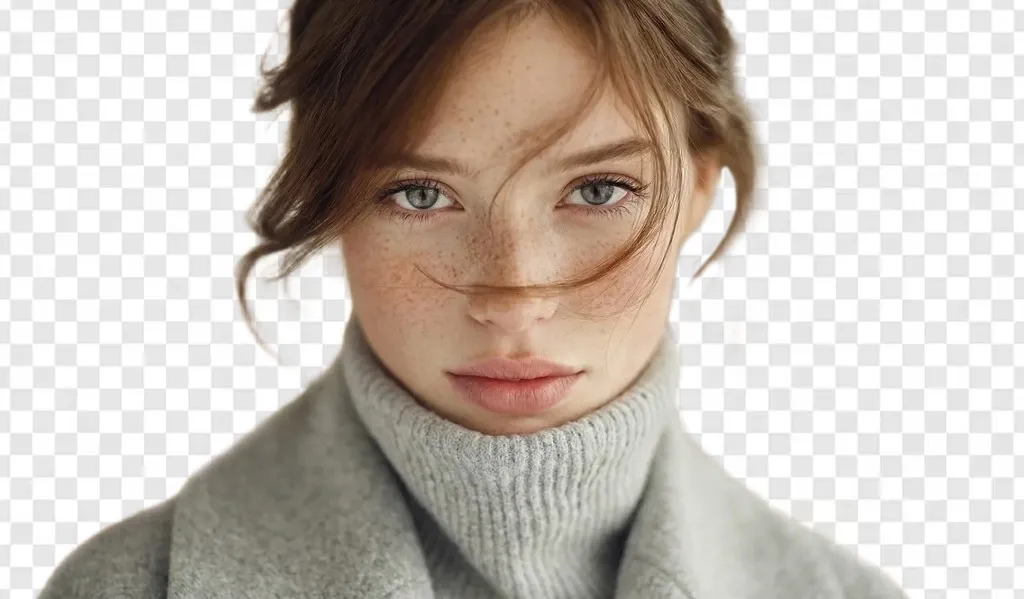 A cleaner canvas
Lift the subject out of a photo and give it a clean, reusable background.
Images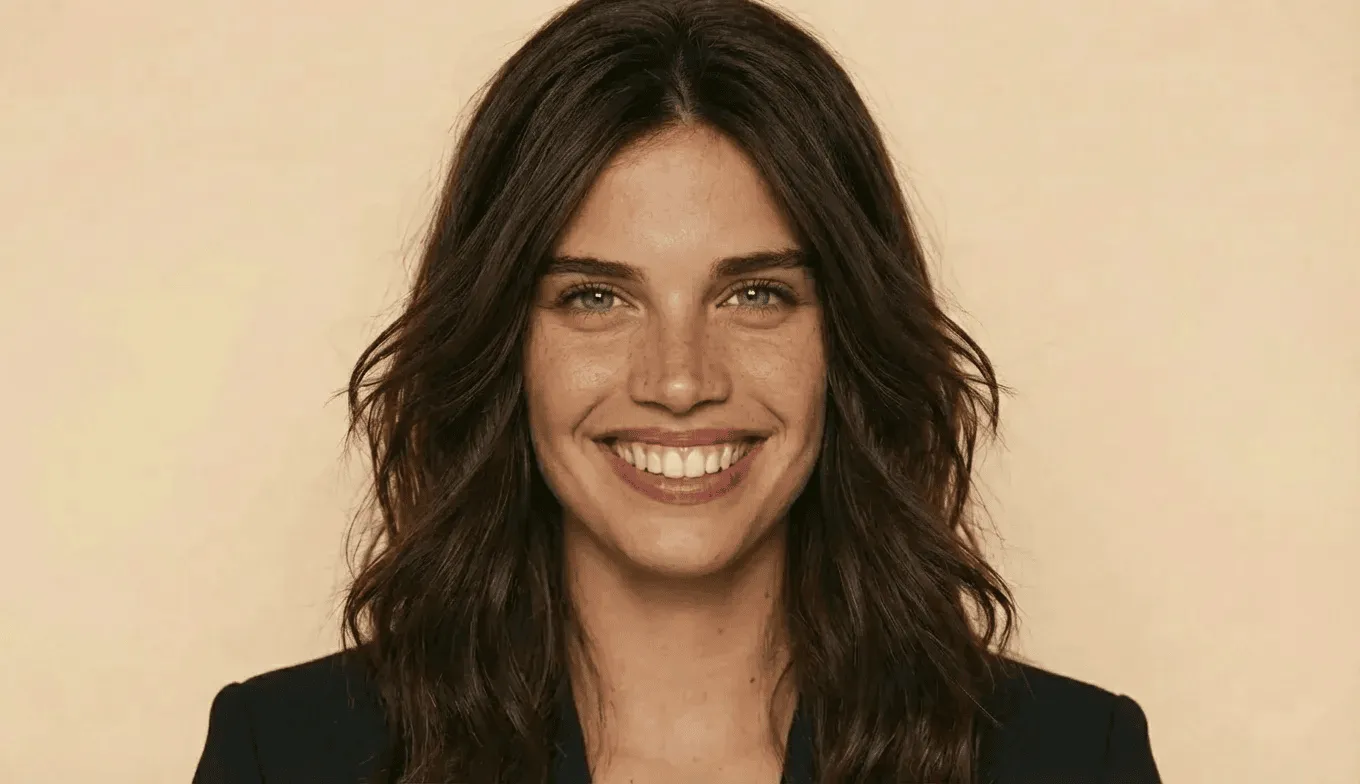 Make room for more detail
Enlarge small images and improve their clarity for your next design.
Images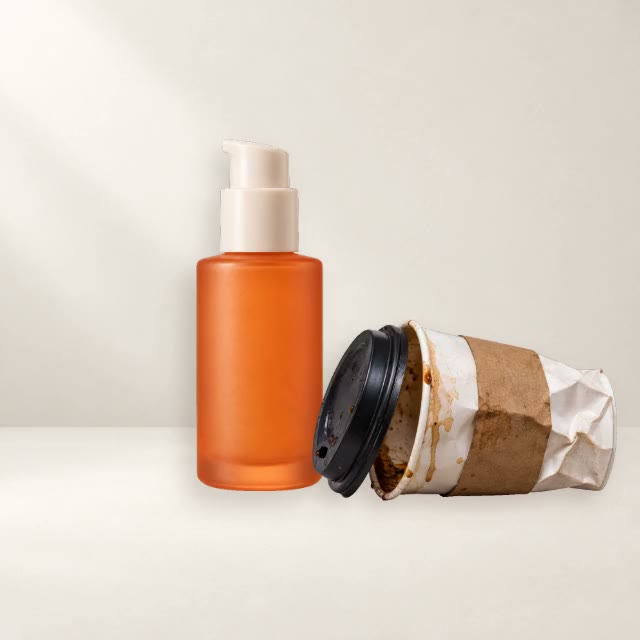 Focus on what matters
Remove an unwanted object and clean up the space it leaves behind.
Images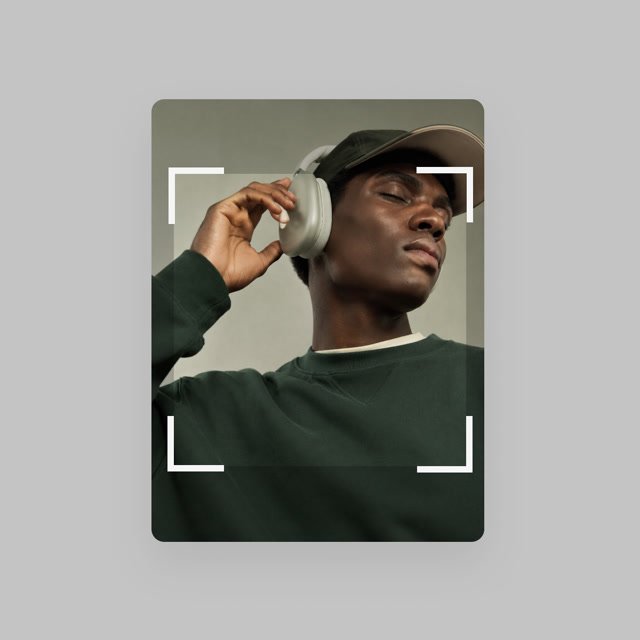 Find your frame
Reframe a photo, trim the edges, and focus the composition on what matters.
ImagesNo tools found. Try “PDF”, “image”, or “background”.
That PDF can be your next draft. That flat image can become an editable design. Give existing work a second life without opening a blank canvas.
Edit an existing PDF Turn an image into layersStart with a PDF, a flat design, or a photo. Pick the tool for the change you want to make.
Choose your file on the Playyy tool page. Sign in if prompted, then make the edit.
Review the result, keep creating in the workspace, or export it for wherever it goes next.
Start with a specific task: edit a PDF, split a flat image into layers, remove a background, enlarge a photo, remove an object, or crop an image. Each tool page explains the workflow and opens the corresponding tool in Playyy.
Choose a tool here, then open it in Playyy. You select and upload your file there. This tools directory does not collect your files.
The requirements depend on the tool and action. Playyy handles sign-in, available guest actions, and any credits needed. You may be asked to sign in before processing or saving a result.
Availability, free usage, and AI credits depend on the tool and your Playyy account. Check the current Playyy pricing page for plan details before starting a paid action.
Use PDF editor for an existing PDF. Use Split Layers for a finished image whose text or layout you want to change. For a photo, choose background removal, upscaling, object removal, or cropping based on the edit you need.