
Give images more space
Prepare a larger version of a photo that feels too small in the composition you are building.
Give a small image more room to work. Enlarge photos and graphics for the next layout, then check the details that matter.
Upscale an imageOpens in Playyy · Choose your file there
Photos and design assets
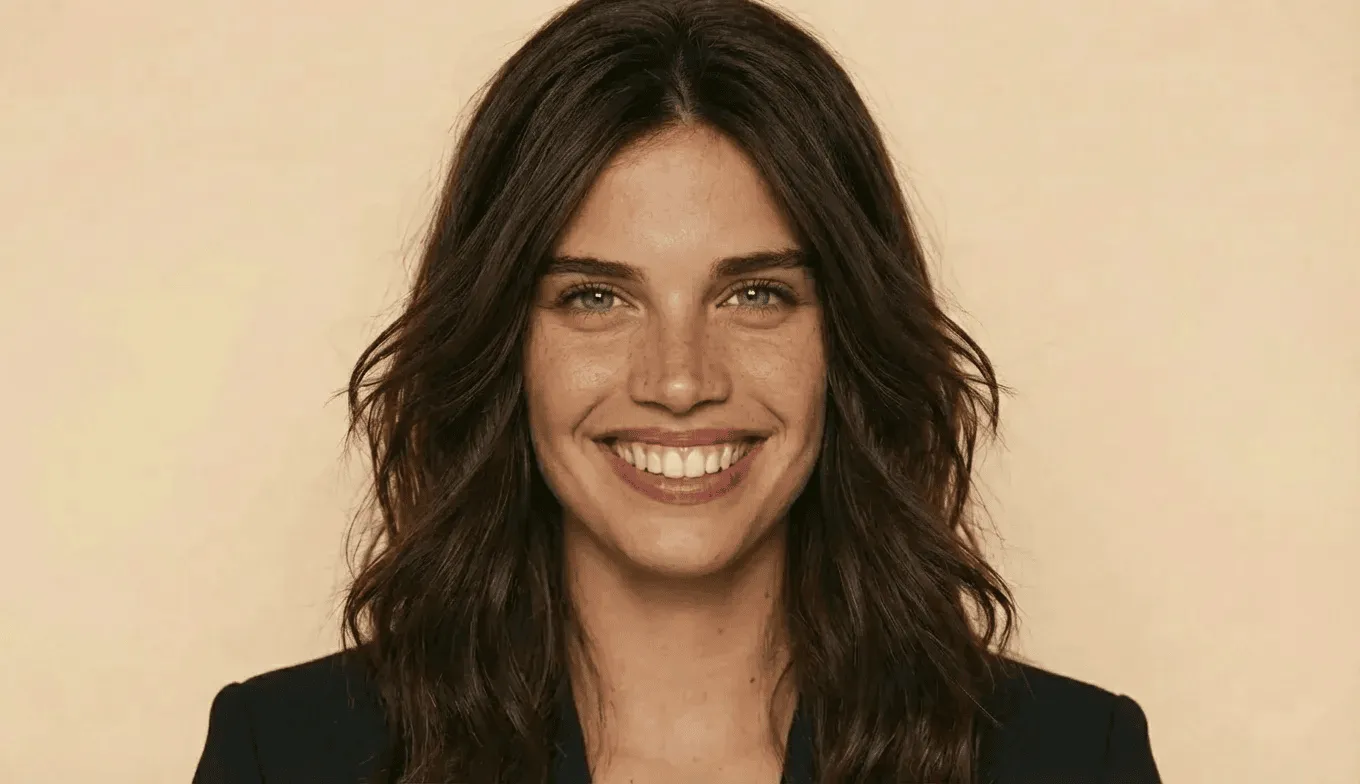 Make room for more detail
A thumbnail or an older product image may be too small for your next layout. AI upscaling can create a larger version and infer additional detail, giving you more flexibility in a presentation, ad, or social graphic. Always compare the result with the source before publishing.
Prepare a larger version of a photo that feels too small in the composition you are building.
Use AI enhancement to work on softness and clarity, then inspect important areas at full size.
Bring the enlarged image into your layout to judge its quality at the size people will actually see.
Open the image upscaler in Playyy and select the best-quality version of your image.
Apply the available upscaling option and compare the output with the original.
Check faces, text, logos, and product details before downloading or adding the image to a design.
AI estimates detail from the available pixels. It may improve the appearance of an image, but it cannot guarantee a faithful recovery of information missing from the source.
Decide on the composition first. If you crop heavily, the remaining image may need more enlargement. Keep an untouched original so you can compare different approaches.
You can try, but review every letter and logo. Small text can become distorted during enhancement; recreating important text as editable type may give a cleaner result.
Your file is selected and processed in Playyy