
Bring the subject forward
Trim excess space and give the focal point a more deliberate position in the frame.
Find the part of the picture that matters. Trim the edges and shape the composition for the place it is going next.
Crop an imageOpens in Playyy · Choose your file there
Reframe photos and graphics
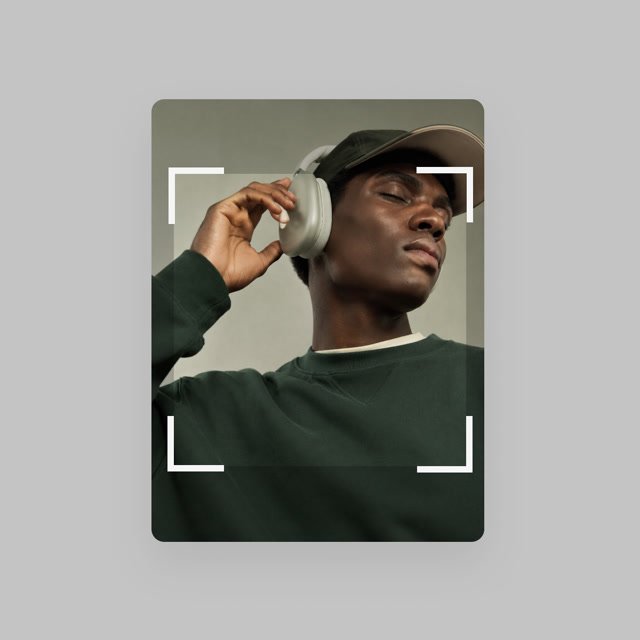 Find your frame
Sometimes the most useful edit is deciding what to leave out. Crop a photo to strengthen the focal point, remove unnecessary space, or fit a new layout. Keep the original file so you can return to a wider composition later.
Trim excess space and give the focal point a more deliberate position in the frame.
Adjust the composition for a square post, a wide presentation visual, or a portrait layout.
Reframe with room for a headline, caption, or product details when the image joins a larger design.
Choose a photo in Playyy’s image cropper and decide where the final image will be used.
Set the crop area while keeping important faces, text, and product edges inside the frame.
Check the final crop at its intended display size, then download the result.
No. Cropping keeps a smaller part of the original image. If the crop is displayed much larger, it may look less sharp.
Start with the destination and focal point. Keep important details inside the frame and leave breathing room where the layout needs text or a caption.
Yes. Save an untouched original so you can make different crops for other layouts without losing the wider composition.
Your file is selected and processed in Playyy